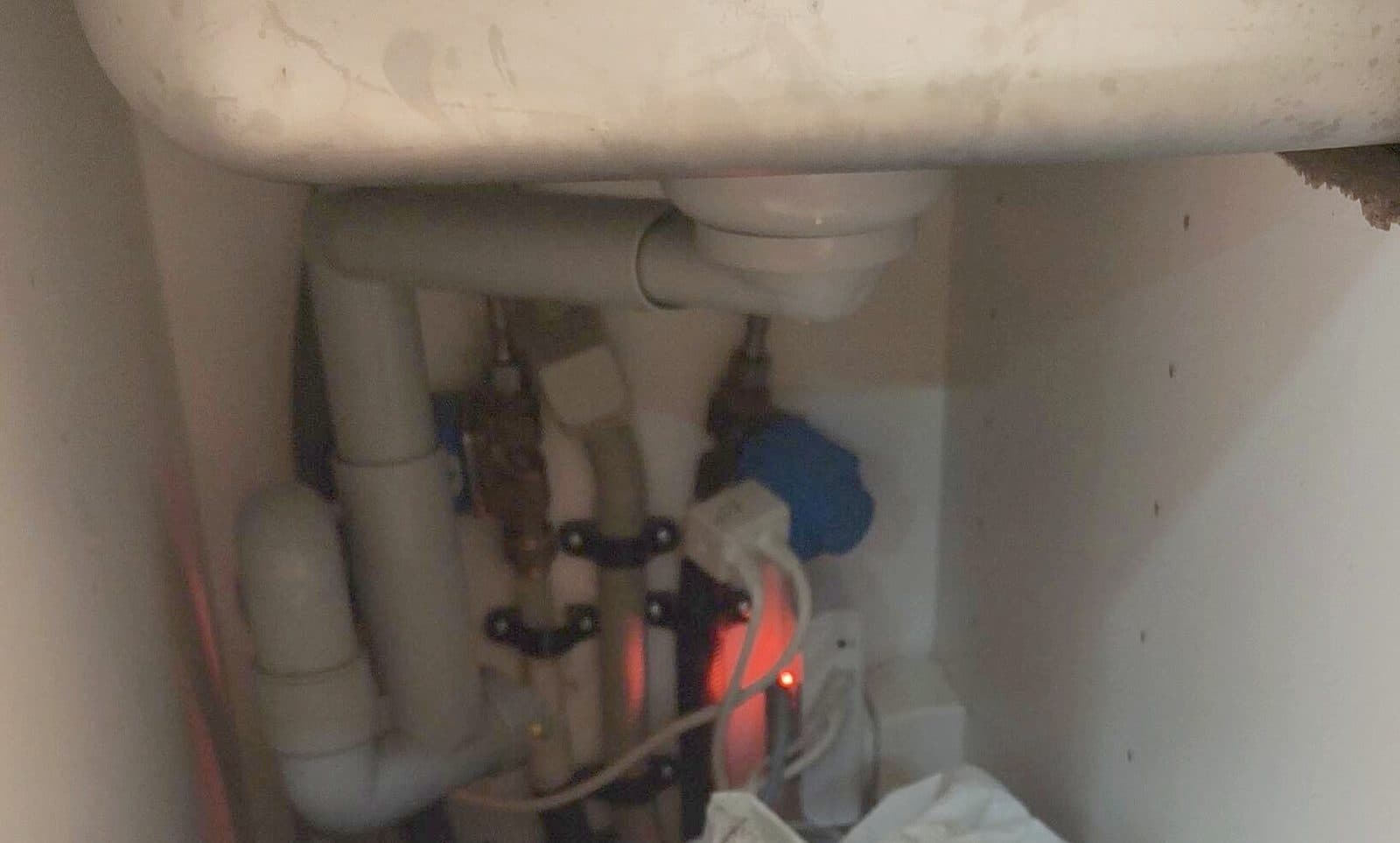
Water guard (leak alarm)
Hear beeping from under the kitchen sink? Then follow the steps below. The water guard protects the apartment from leaks. If it senses moisture on the floor, it beeps, shows a red light and shuts off the water.
The short version
Usually a little water was spilled near the dishwasher. Dry the floor well, then unplug the water guard under the sink and plug it back in.
Step by step
 1
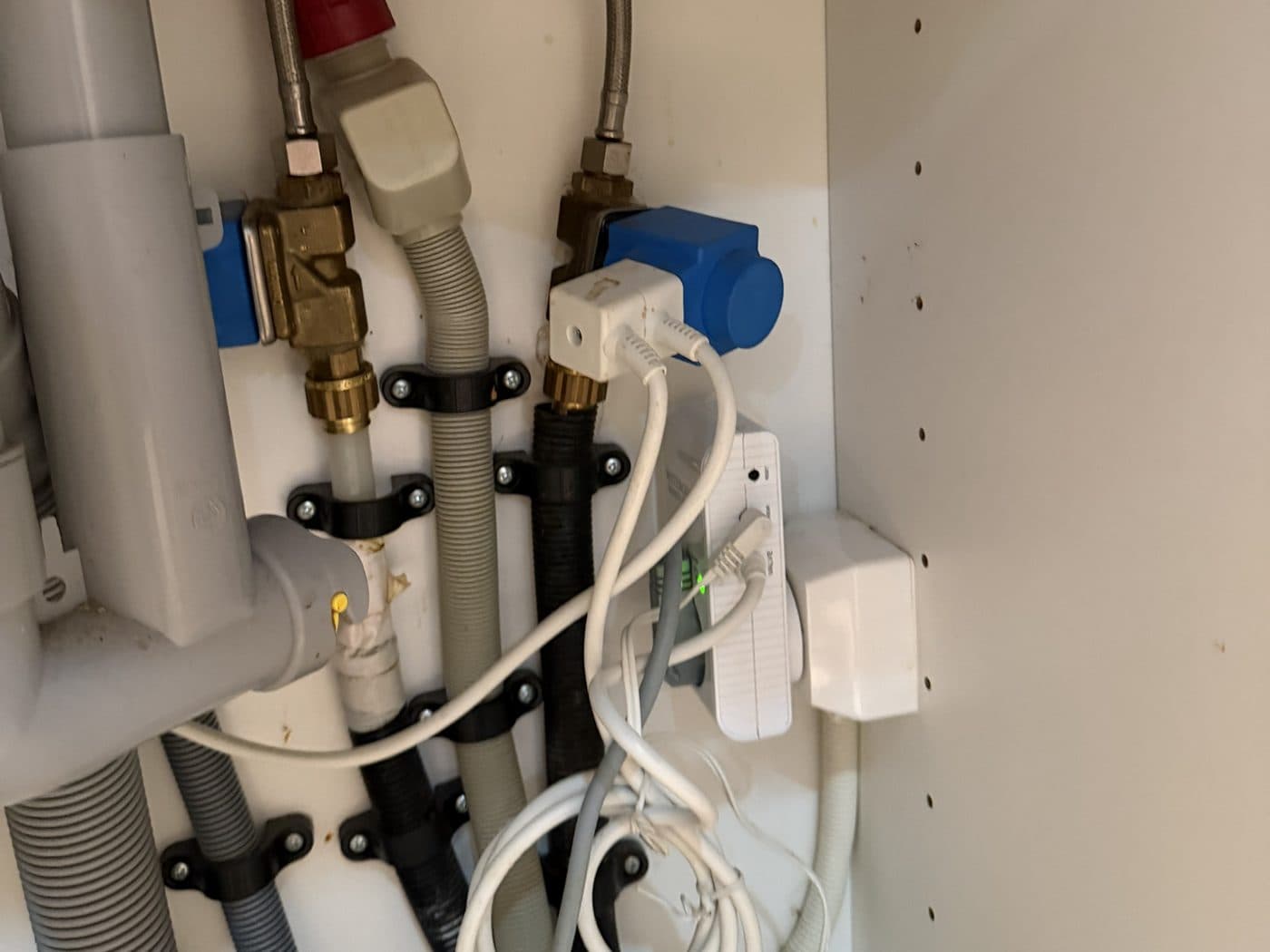
1Find the water guard
Open the cupboard under the kitchen sink and lift out the rubbish bins. The water guard is the small white box with a light: green means all is fine, red means it has shut off the water.
 2
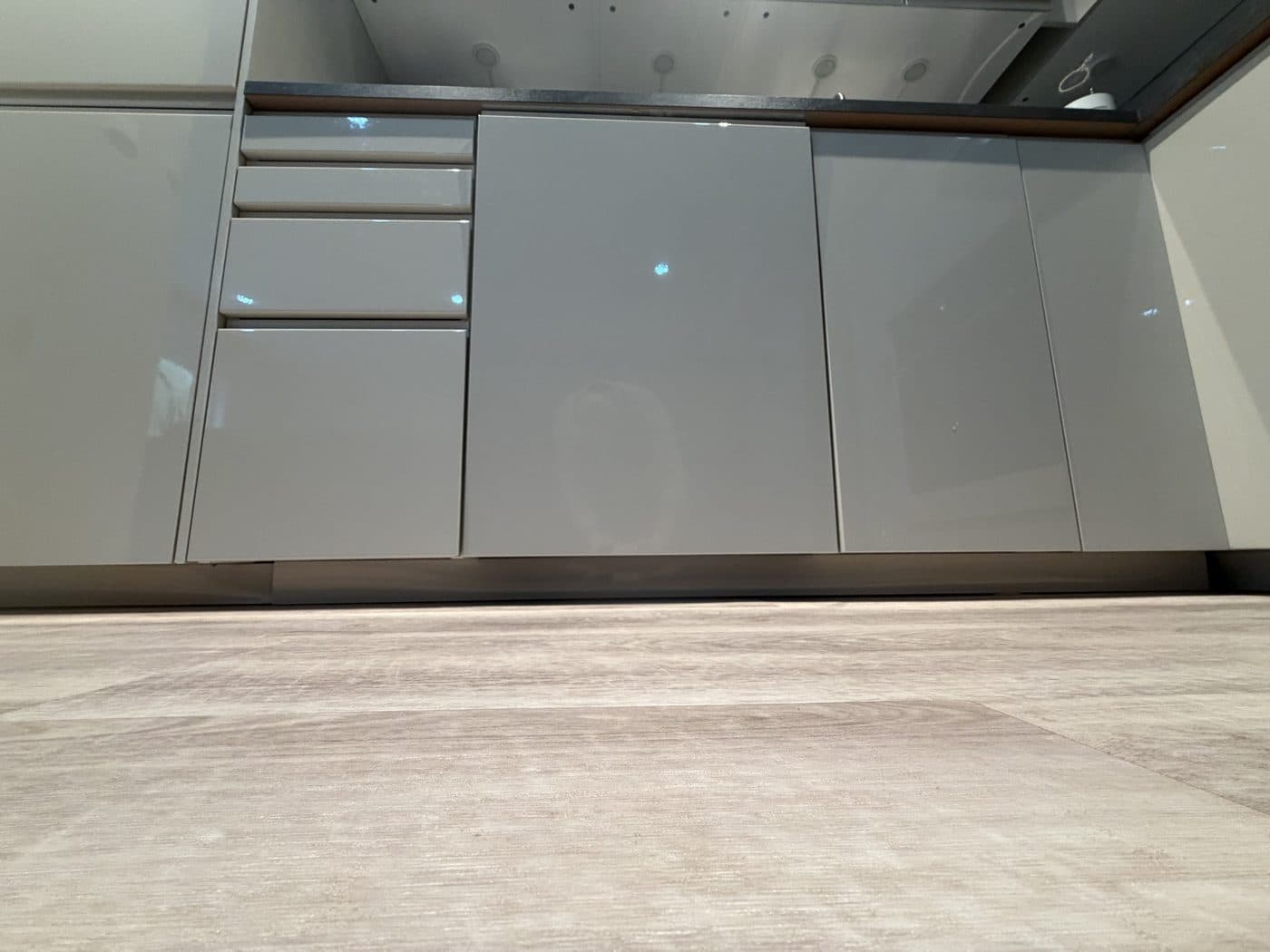
2Dry the floor
Wipe the floor in front of and around the dishwasher thoroughly. The sensor sits behind the bottom panel and is very sensitive: even a small spill can set it off.
 3
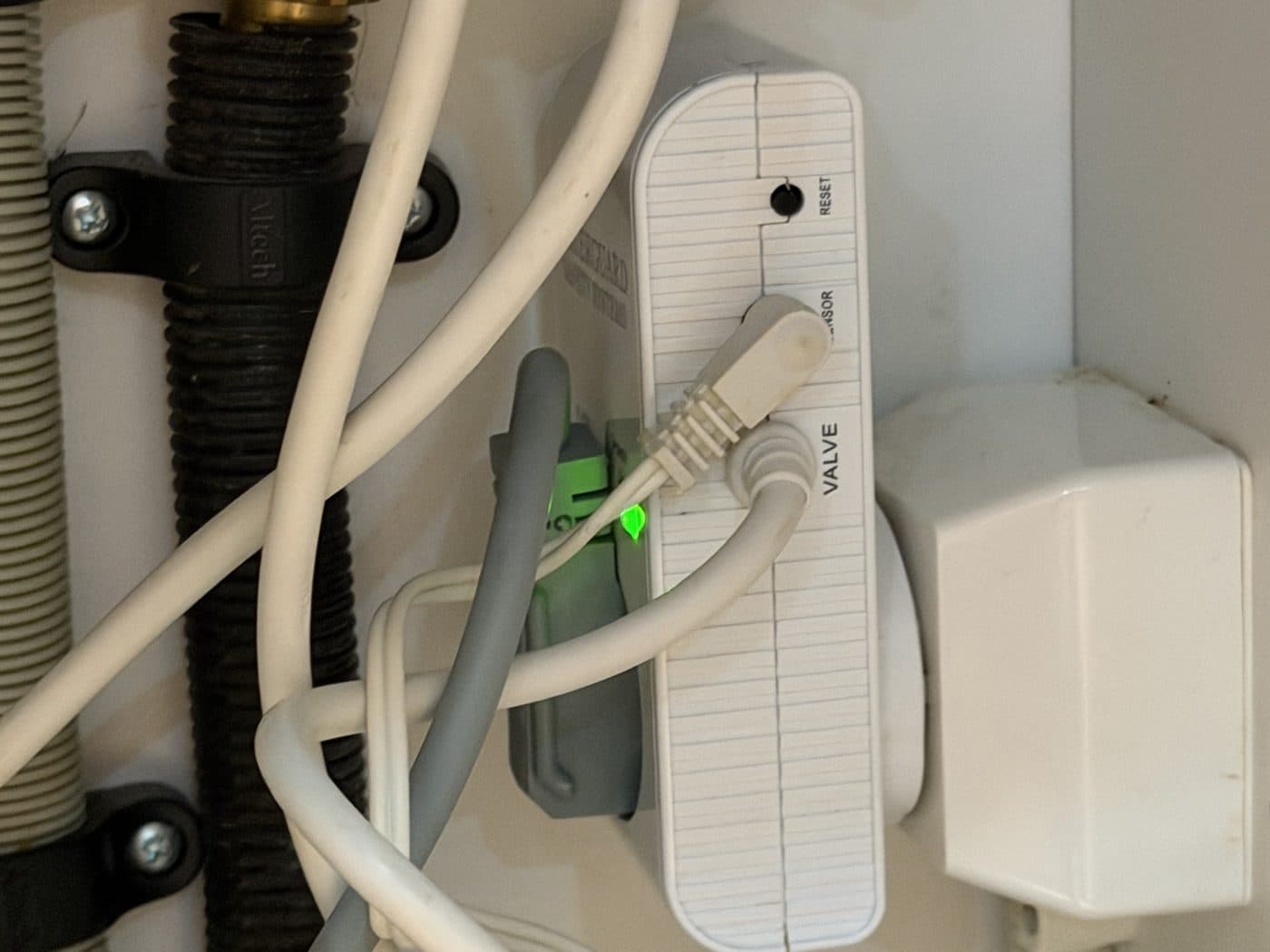
3Reset it
Pull out the grey plug from the water guard (or unplug the whole water guard from the wall socket), wait a few seconds and plug it back in. The light turns green again, the beeping stops and the water comes back. See the short video below.
- 4
Check the water
Turn on the kitchen tap. If water runs, you're done. Put the bins back.
Something not working?
It starts beeping again
The sensor is still damp. Dry the floor by the dishwasher again, wait a few minutes, then reset once more.
Water keeps appearing on the floor
There may be a real leak. Don't reset the water guard: message us straight away.
Did this help?